

Powered by Award-winning Endpoint Protection
AV-TEST Advanced Threat Protection certification
SE Labs AAA rating for EDR Detection

SoftwareReviews XDR Champion

IDC MarketScape: Worldwide Cyber-Recovery Leader

Frost Radar™: Endpoint Security Leader

CRN Security 100 List

SoftwareReviews Backup and Availability Champion
OPSWAT Platinum certification for anti-malware

G2 Grid Leader for Endpoint Protection Suiteson

ICSA Labs endpoint anti-malware certified
Anti-Malware Testing Standards Organization member

VirusTotal member

Cloud Security Alliance member

Anti-Phishing Working Group member

Microsoft Virus Initiative member
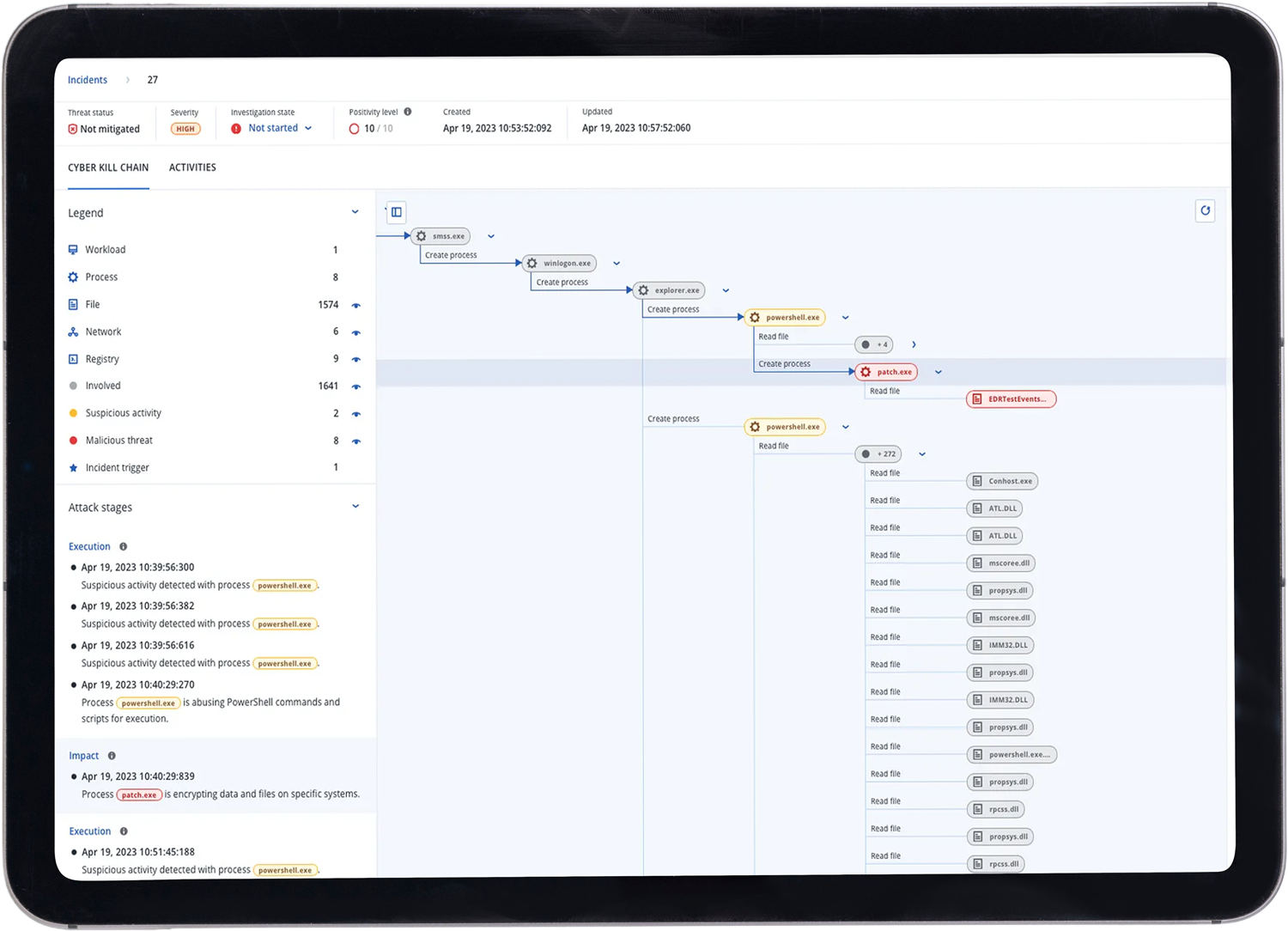
Endpoint detection & response (EDR)
EDR operates in real time, continuously monitoring, detecting and enabling response to anomalous activity. It collects security-relevant telemetry from endpoints and system logs to perform anomaly detection and drive informed response across affected endpoints.
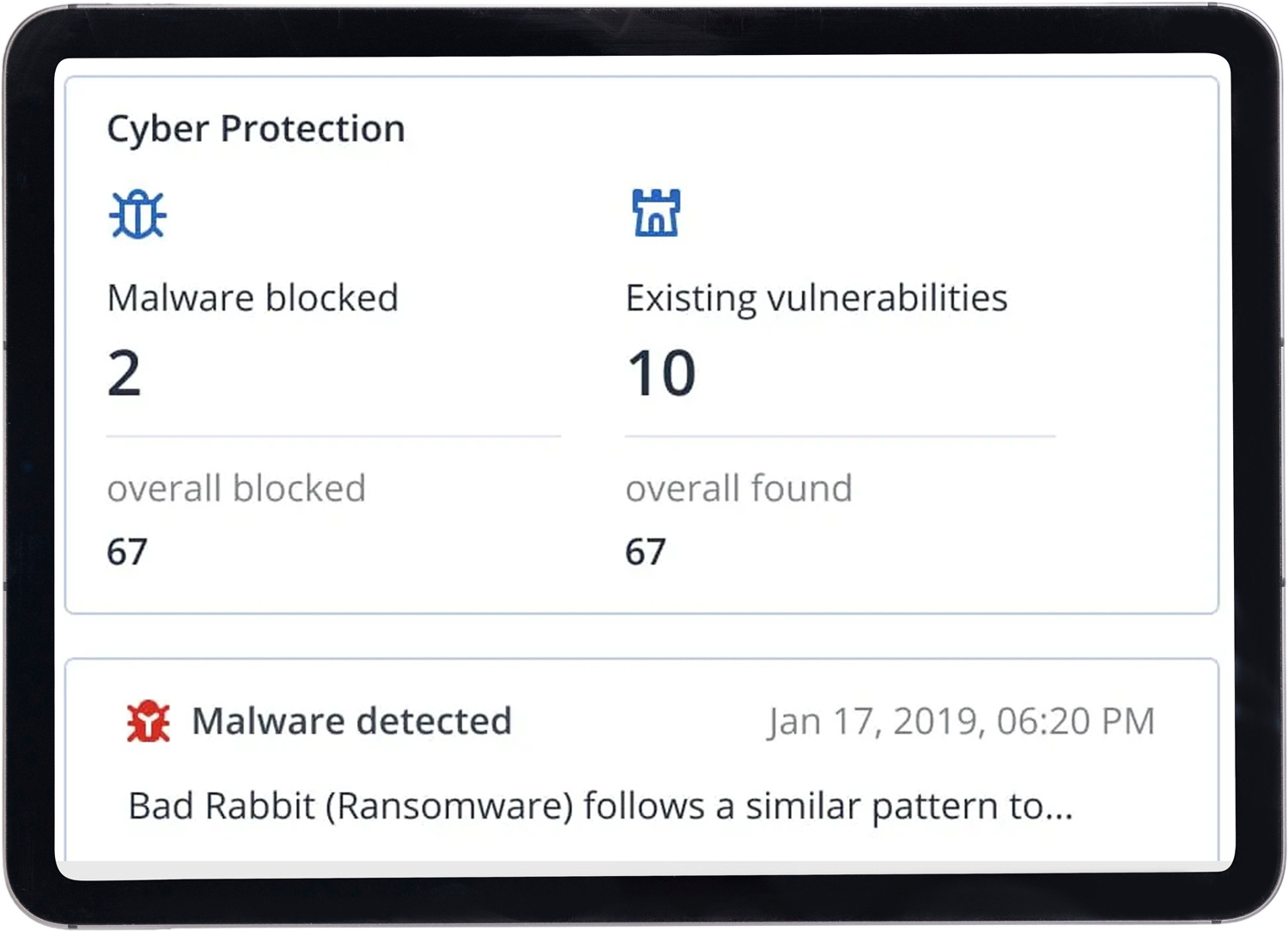
Anti-malware and antivirus
Actively protect your data, applications and systems from advanced attacks with real-time AI-based static and behavioral heuristic antivirus, anti-malware, anti- ransomware, and anti-cryptojacking technologies.
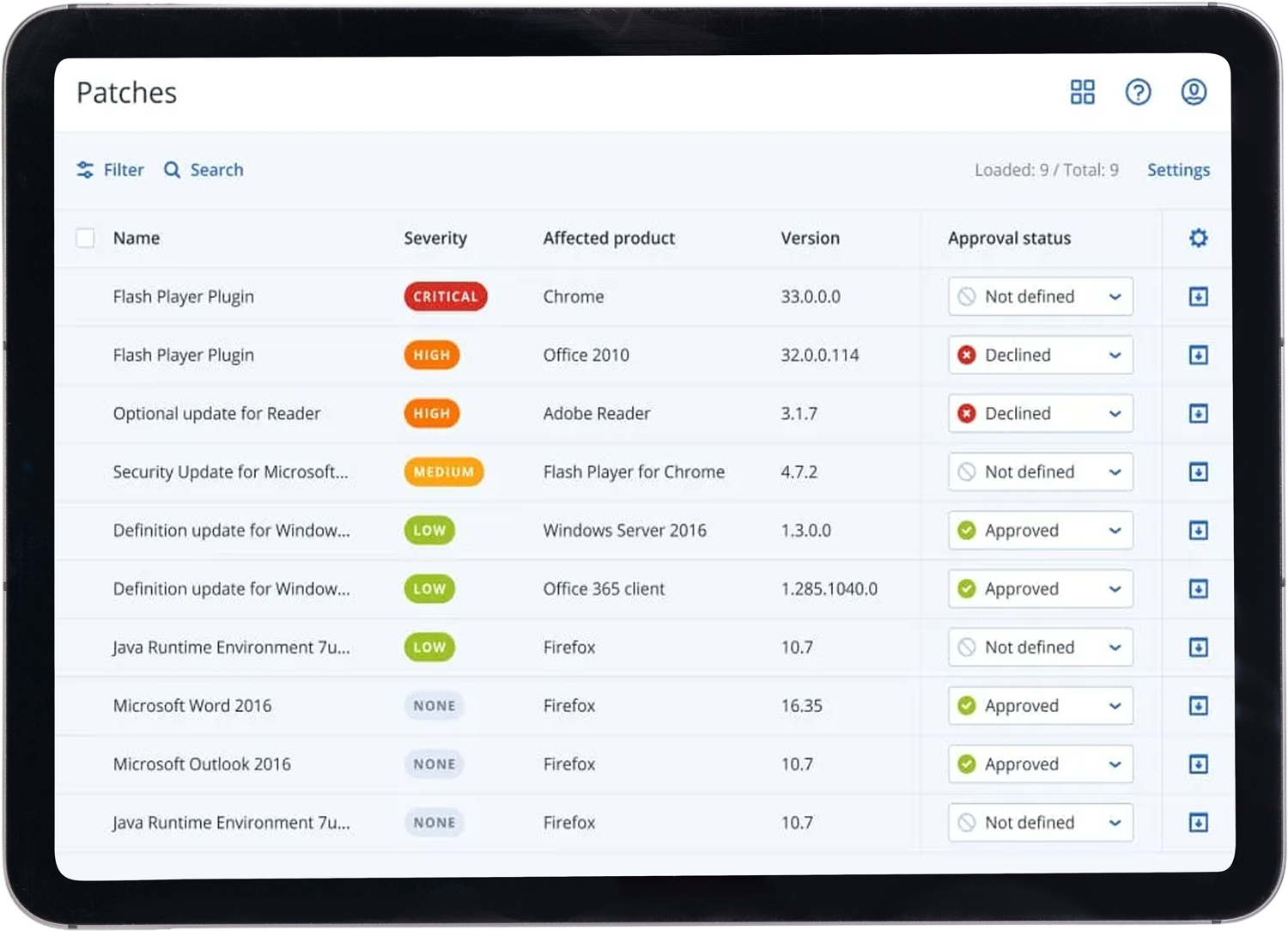
Natively integrated endpoint management
Dramatically improve your security posture thanks to natively integrated endpoint management. This enables real-time monitoring, automated patching, rapid threat response and ensures consistent protection across all devices.
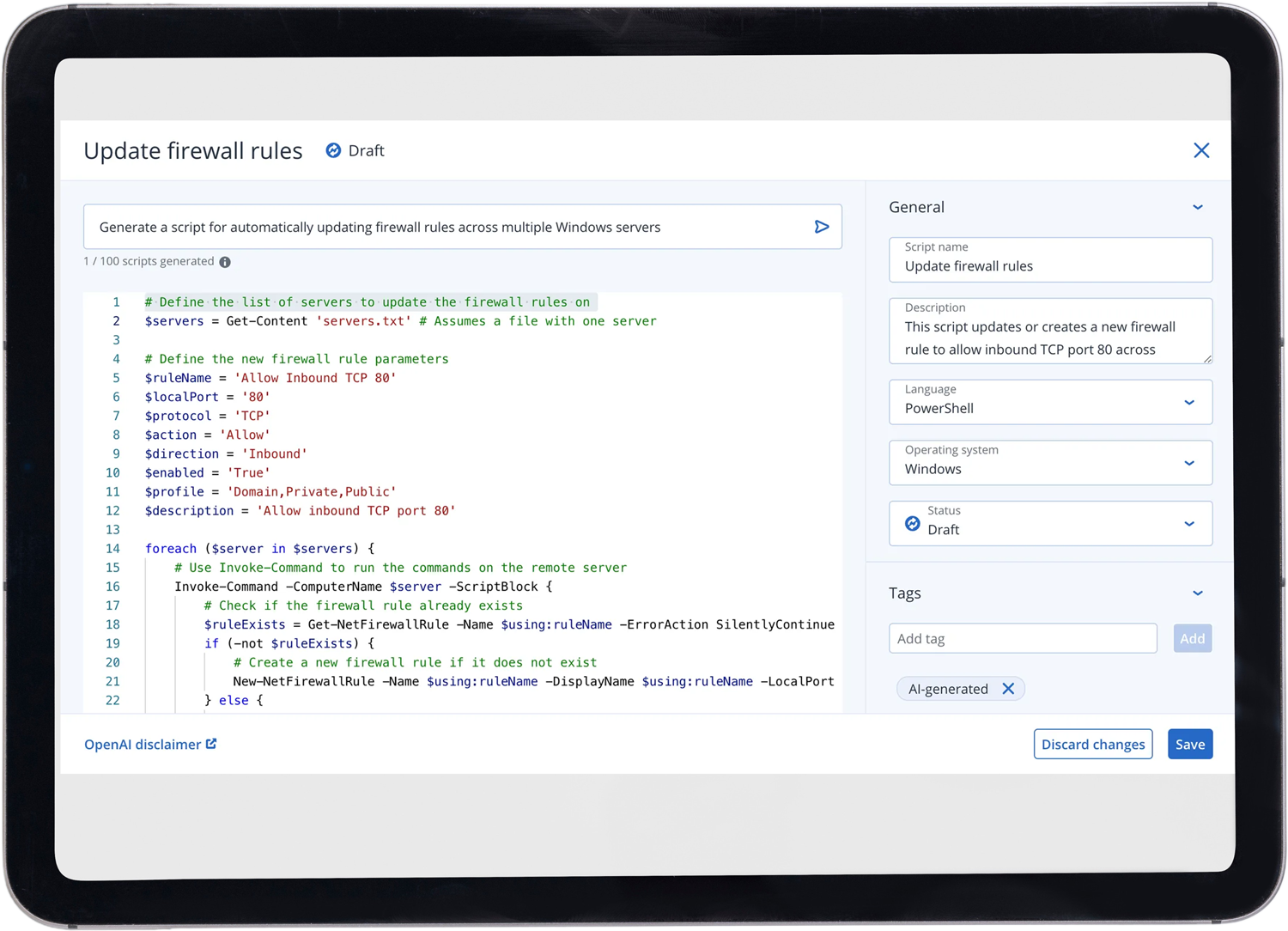
Technical AI Cyber Scripting
Performing tasks manually, especially boring, mundane tasks, can lead to human error and inefficiency. With Acronis AI-powered Cyber Scripting, routine tasks, as well as complex ones, can be automated using scripts generated using AI. This reduces the risk of human error and boosts productivity.
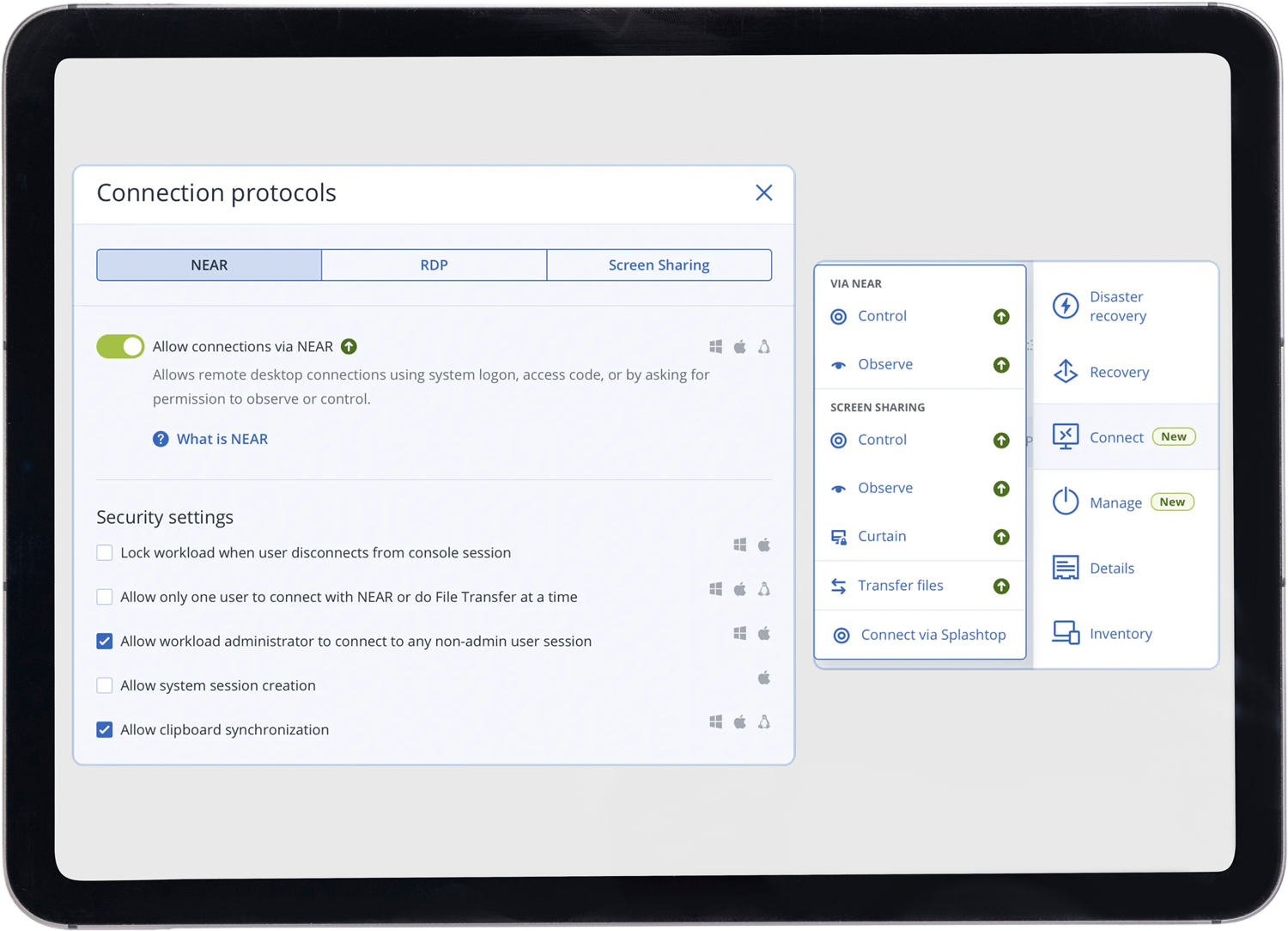
Secure remote desktop
Easily manage and troubleshoot systems from anywhere. Acronis Cyber Protect ensures secure remote desktop access with encrypted connections, allowing IT teams to safely perform maintenance, resolve issues, and support end-users without compromising data security.
Patch management
Enhance your cyber defenses with automated patch management. Expedite and simplify closing security gaps and reduce the workload of stretched IT teams. Timely patching not only secures data but also improves system reliability and performance.
Get It Done With Amazing Features

Vulnerability assessment
Identify and remediate vulnerabilities in your system. with machine scanning to ensure all applications and operating systems are up-to-dates.

Exploit prevention
Stop and prevent attacks from happening with memory protection, return-oriented programming protection, code injection protection and privilege escalation protection.

Protection for collaboration tools
Proactively protect collaboration tools with vulnerability assessments, patch management, code injection prevention and anti-malware capabilities.

Enhance security management
Eliminate complexity by ensuring that Windows Defender is properly configured. With Acronis protection plans, you can control Windows Defender Antivirus and Microsoft Security Essentials detection events and enforce settings across multiple machines.

Automate endpoint protection
Simplify the process of installing multiple agents at once. With network-based and Active Directory-based discovery you can remotely install and apply protection plans with ease – helping you keep your data safe.

Remotely wipe devices
Keep business-critical data secure. Remotely wipe compromised or missing Windows devices to prevent data being deleted or misused by disgruntled employees and secure it against access from lost or stolen devices.

Remote desktop and assistance
Employees working from home often need access to files or apps on their work machines. Facilitate secure, remote access for employees to work systems without a VPN, ensuring productivity from anywhere.

Asset inventory
Gain complete visibility of your IT environment. Acronis Cyber Protect automatically collects detailed hardware and software inventory data, helping IT teams efficiently track assets, manage licenses, and ensure compliance without manual effort.

Global threat monitoring and smart alerts
Acronis Cyber Protection Operation Centers (CPOC) continuously monitor the cybersecurity landscape and release real-time alerts on potential threats including malware, vulnerabilities, natural disasters and other global events.